

 All blog posts
Labelbox•June 29, 2023
How to confidently compare, test, and evaluate models for machine learning
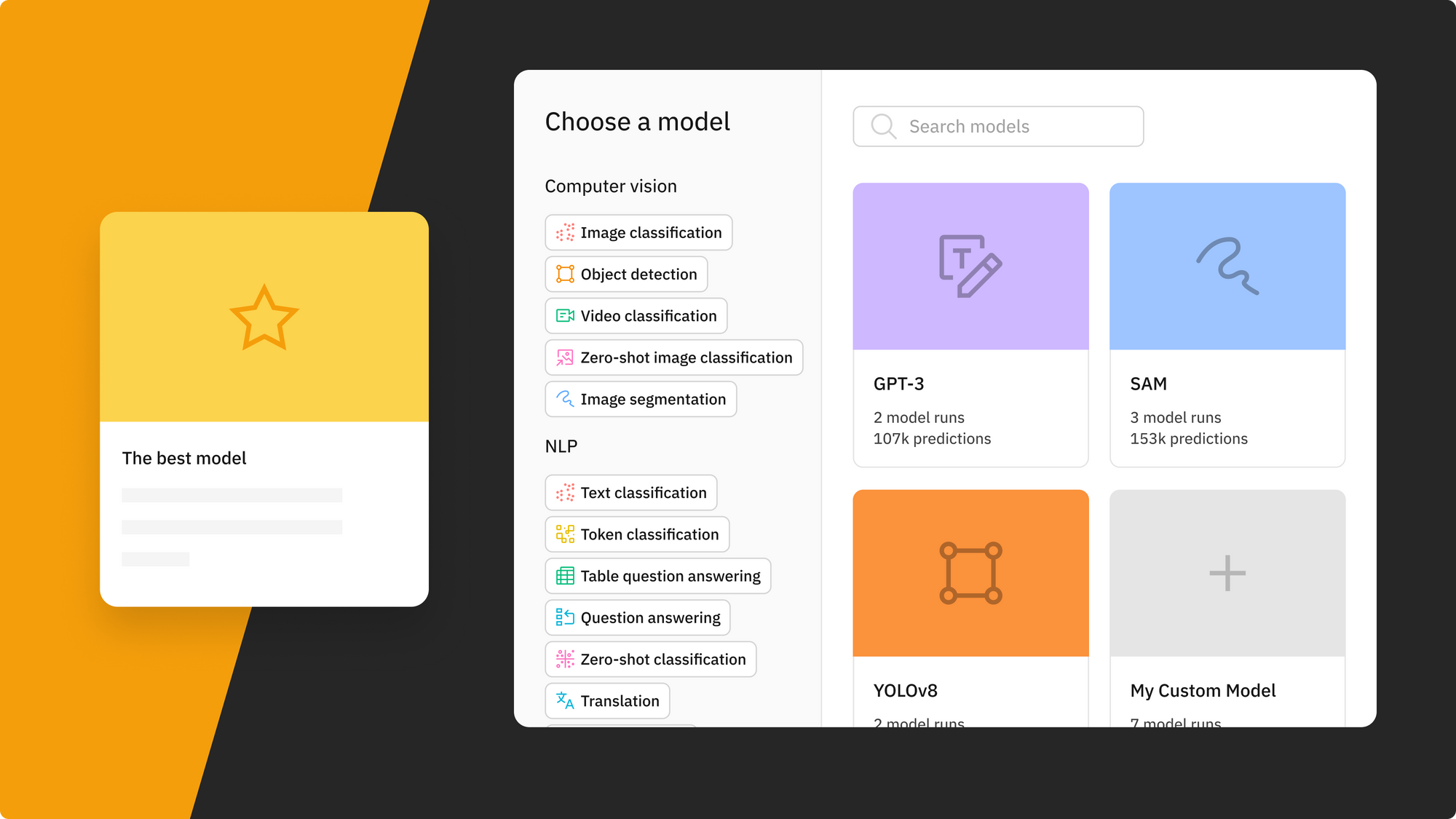
This is the fourth post in a blog series showcasing how Model Foundry brings the power of foundation models into Labelbox. Learn how to leverage Labelbox for model comparison and A/B testing.
Overview
For many AI teams, the rise of off-the-shelf and foundation models has transformed the way they build and train models. Some can simply choose an existing model and fine-tune it for their specific requirements, making the AI development process much faster. Even if that's not possible for your use case, using foundation and off-the-shelf models can accelerate your process if you use them to pre-label data for your use case.
Choosing the best algorithm for the task, however, is key to ensuring the best results — starting with the wrong model can cause delays and less optimal model performance. That's why leading teams are adding a comprehensive model comparison process to their AI development workflow by evaluating different models based on performance metrics, how well the model performs on unseen data, and how well suited a model is to their ultimate business goals. Beyond measuring model performance, model comparison is useful in helping teams tracking ML experiments and creating a “store of record” for future reference and to help improve model performance.
While model comparison is a critical part of the ML workflow to ensure you’re using the best and most efficient model for your use case, ML teams encounter some common challenges during this process, such as:
- Confidently assessing the potential and limitations of pre-trained models
- Visualizing models’ performance for comparison
- Effectively sharing experiment results
In this blog post, we’ll explore how you can tackle these challenges with Model Foundry, a soon-to-be beta released solution from Labelbox that enables ML teams to better leverage foundation models for AI development.
Why is model comparison important?
A/B testing in machine learning allows teams to quickly experiment and iterate in order to improve and reach their business objectives. When it comes to leveraging foundation models, A/B testing can refer to evaluating how two models perform in production.
Foundation models are base models that are trained on inherent scale data and that act as a starting point for various downstream tasks or applications. A/B testing allows you to effectively assess the performance of different versions or variations of a foundation model. By comparing their effectiveness, you can determine which model performs better in terms of metrics such as accuracy, precision, or recall on your data and for your specific business use case. This approach also lets you systematically make improvements based on qualitative and quantitative metrics – allowing you to optimize the foundation model’s performance and enhance its capabilities over time.
However, effective A/B testing requires a platform that is not only able to provide sufficient metrics on assessing the performance of models, but one that also allows teams to share experiment findings and have a store of record. When models are evaluated, having a store of record of the model experiment is crucial so that a team can retrace the steps leading to the model selection and compare the next iteration of the model against the previous version.
Introducing Model Foundry

Foundation models are changing the landscape of AI – automating complex tasks such as data labeling and enrichment. With Model Foundry, teams have the ability to easily A/B test and compare a wide-range of open-source and third-party foundation models in a single platform.
You can test, compare, and evaluate models across various prompts and hyperparameters to confidently select the best model to perform pre-labeling or data enrichment tasks on your data. Selecting the best performing model on your data is crucial to continuously improving and scaling model performance in less time and at a lower cost. Regardless of your team’s AI maturity and business use case, you can experiment with foundation models in a no-code environment and continue to evaluate and iterate on model performance.
Access the world’s best AI models
Model Foundry will feature various public and private models computer vision (CV) and natural language processing (NLP) use cases, such as SAM, YOLOv8, OWL-ViT, and GPT, as well as popular models from Google, OpenAI, Databricks, and Anthropic.
Automatically gain insight into how a specific model performs on a subset of data. Rather than doing this through a Colab notebook, quickly generate pre-labels from a chosen model in a few clicks and understand how a model performs on the given task.
Save time with a streamlined A/B testing framework
To conduct a comprehensive analysis of a model, it helps to be able to compare the predictions of each model with the original ground truth labels side-by-side. A model run in Labelbox provides a versioned data snapshot of the data rows, annotations, and data splits for that given model run. At the end of each Model Foundry job, a model run will automatically be populated for your analysis.
As you continue iterating on your model and data, it is likely that you’ll end up with many model runs. The goal of comparing models is to measure and understand the marginal value of every machine learning iteration. Each model run is a versioned snapshot of an experiment that can be revisited and analyzed by your team at any given time. To make A/B testing even easier, Labelbox Model provides a model comparison view that allows you to visually compare the performance of two models as well as compare the two models with scalar and confusion metrics.
Dig into comprehensive evaluation metrics
In order to compare or ensure the effectiveness of a model, you need to understand how it has performed on the given task. Leveraging Labelbox’s Model, you can conduct a comprehensive analysis of a model’s performance with holistic metrics that evaluate its performance.
Dive into auto-generated quantitative model metrics, such as precision, recall, F-1 score, and more. To gain a deeper understanding of each model’s performance, it is important to analyze where the models are performing well and where they might be struggling. Model metrics are valuable in helping surface low-confident predictions, areas of agreement/disagreement between model predictions and ground truths, and can help your team analyze model performance, detect labeling mistakes, and find model errors. While most metrics are auto-generated by Labelbox, you can also update your own custom metrics depending on your specific use case.
Model comparison in practice
Let’s take a look at a real-world example – comparing GPT-4 and Claude – two powerful LLMs developed to date. In this experiment, we will be comparing how these two models perform on a custom text datasets and systematically evaluate and compare their zero-shot predictive accuracy and generative ability.
Dataset and problem setup
For this experiment, we obtained 100 data points from the Kaggle Wikipedia Movie Plots dataset, which provides detailed information on movie plots, genre, and more. We are interested in assessing the predictive capabilities of GPT-4 and Claude in determining the movie genre based on plot and also their ability to generate a suitable and concise summary.
To narrow the scope, we are only interested in the following categories: ‘comedy’, ‘animated’, ‘sci-fi’, ‘thriller’, ‘action’, ‘family’, ‘fantasy’, ‘horror’, ‘adventure’, and ‘drama’. We’ll also be evaluating models on their precision, recall, F1 scores, and confusion matrix.
Model and prompt setup
When working with these models, creating effective prompts is important and there are a variety of techniques available for prompt engineering. For the purpose of this experiment, we chose to use simple prompt templates that clearly describe the ML task and the expected output format, which is a structured JSON format. This made it easy for us to incorporate the prompts into our existing workflows. To ensure a fair comparison, we used the exact same prompts for both models during evaluation.
The prompt without examples:
For this movie plot description, describe plot_summary, or answer N/A if you are not confident.The plot summary should be short 1 sentence description. Classify movie genres by picking one or more of the options: [comedy, animated, sci-fi, thriller, action, family, fantasy, horror, adventure, drama].
Return the result as a json: {"plot_summary" : "<answer>", "movie_genres" : ["<prediction>"]}

{insert movie plot}
The prompt above asks the LLM to provide one sentence summary to classify the movie genres and return the answer in a structured JSON format with the predicted text at the end. After specifying the prompt and running inference, we can automatically see the model outputs in a model run in Labelbox Model.
Findings and results
Once the model job is complete, you can visualize and evaluate the results of the ChatGPT on product categorization and summary in Labelbox Catalog and Model.
In a model run, you can evaluate model results for a comprehensive view of quantitative and qualitative metrics. In the dropdown, you can select two model runs of your choice for comparison – Labelbox automatically assigns each model run a different color so that it can be distinguished in metrics and visualizations.
Quantitative comparison
In our evaluation, we found that both models demonstrate impressive out-of-the-box zero-shot performance. Claude scored higher on the overall F-1 score, whereas GPT-4 scored higher on all other overall metric scores.
Auto-generated metrics provide a deeper understanding of each model’s performance, allowing for analysis on where the models performed well and where they might be struggling. By conducting an analysis by class, we can gain insight into specific areas where the models are successful and where they are falling short.
For example, although both models perform well in terms of recall for ‘sci-fi’ and ‘adventure’ genres for recall, they have a low precision score, indicating that both models are overly confident in assigning these labels to movie plots. As a result, only a small portion of sci-fi and adventure genre predictions correspond to the actual ground truth labels, contributing to the low precision score. This is also true for Claude’s performance in the fantasy genre.
On the other hand, both models are very good at classifying ‘comedy’ genres. The genre ‘animated’ and family had a very small sample size of only one data point each, which isn’t sufficient for meaningful analysis.
Qualitative comparison
Let’s now take a look at how GPT-4 and Claude summarize selected movie plots. Overall, both models performed well in being able to capture the movie plot in a single sentence, although they differed slightly in their level of consciousness and abstraction. Claude was able to generate shorter summaries, while GPT-4 was able to convey more captivating plot details.
Check out a few examples below:
For additional learning and to view another model comparison example, check out our recent blog post on GPT-4 vs PaLM.
Conclusion
In conclusion, the availability of off-the-shelf foundation models has introduced breakthroughs in AI development by reducing the barrier to kick-start model development. Teams of any AI maturity can speed up their development process by selecting the most suitable foundation model for their specific use case. The key to maximizing iteration cycles lies in selecting the right algorithm and conducting a comprehensive model comparison process to assess the model’s alignment with business goals. While confidently evaluating pre-trained models can be challenging, Labelbox Model and Model Foundry provide ML teams with the tools to effectively compare, evaluate, and leverage foundation models for AI development.
Labelbox recently announced access to Model Foundry – the easiest place to build model prediction workflows based on your use case, integrate model results with your labeling workflow, and compare and evaluate model results.